NOTE: Before you can assign reviews, you must first setup the Reviewer Document in the Repository Dictionary.
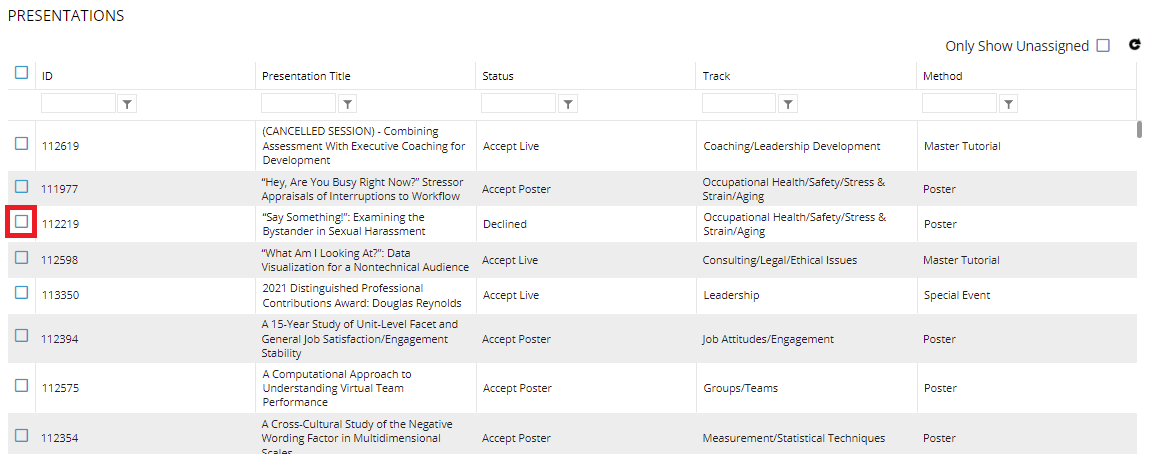
This screen allows for assigning reviewers to presentations for the presentation review process. In the PRESENTATIONS grid, select the submission to be reviewed.
Under REVIEWERS, you will select a reviewer of the submission. The reviewers can be added by either selecting a committee, which will add any current members of the committee for reviewer selection. Alternatively, reviewers can be added to the selection by their Contact ID, or by clicking Find and doing a database search. Check the box next to the reviewer(s) for the selected submission and click the Assign Reviewers button to create the assignments.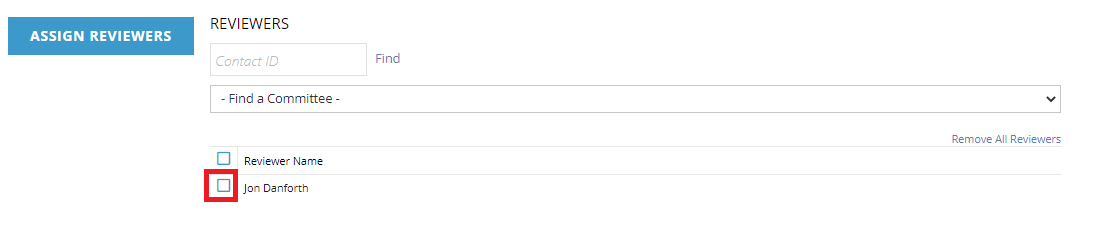
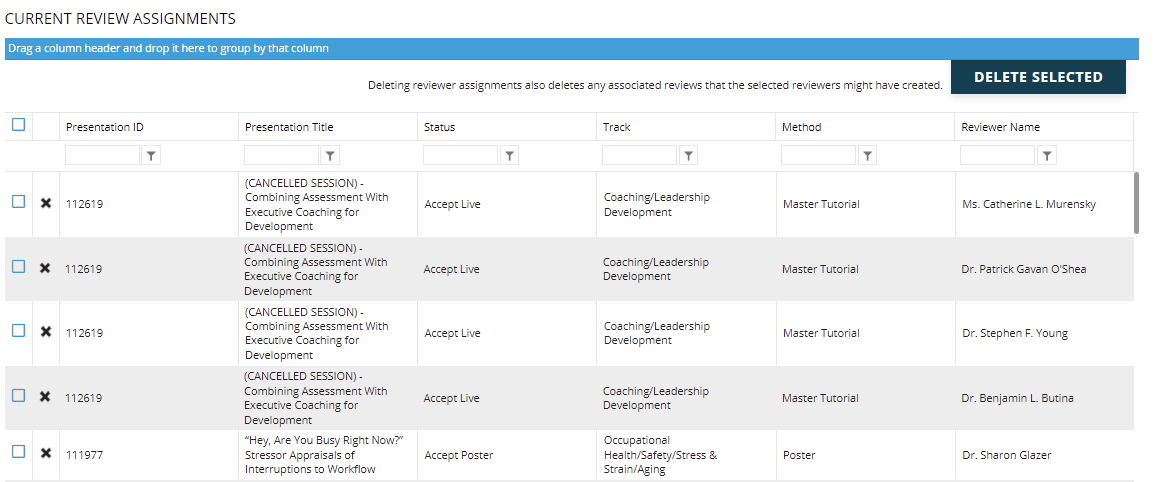
The CURRENT REVIEW ASSIGNMENTS grid at the bottom of the screen displays all assignments made. It allows for deleting specific or multiple assignments at once. You may also drag column headers to the top to group by that column, or use the filters at the top to get different view of the current reviewers and their assigned submissions.