
To delete more than one booth at a time click the Delete Booths button.
Enter a range of booths with the lower of the two numbers in the From Booth field and the larger number in the To Booth field then click the Delete button.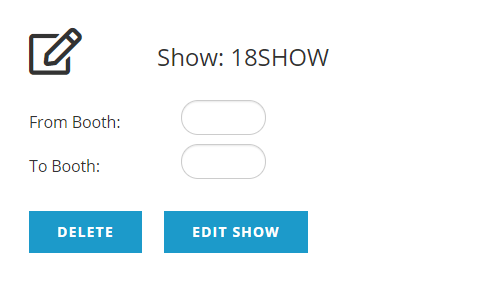
A system popup will ask, “Are you are sure you wish to delete?” When you click on the “OK” button you will see a confirmation message on the screen indicating how many booths were deleted, such as “Finished, deleted 2 booths.”
Click the Edit Show button to close the Booth Builder and return to the Show Control page.