
The System Tables area of the NOAH System Configuration allows you access all the Dictionary codes in the AMS. Initially, the page loads in Dictionary View.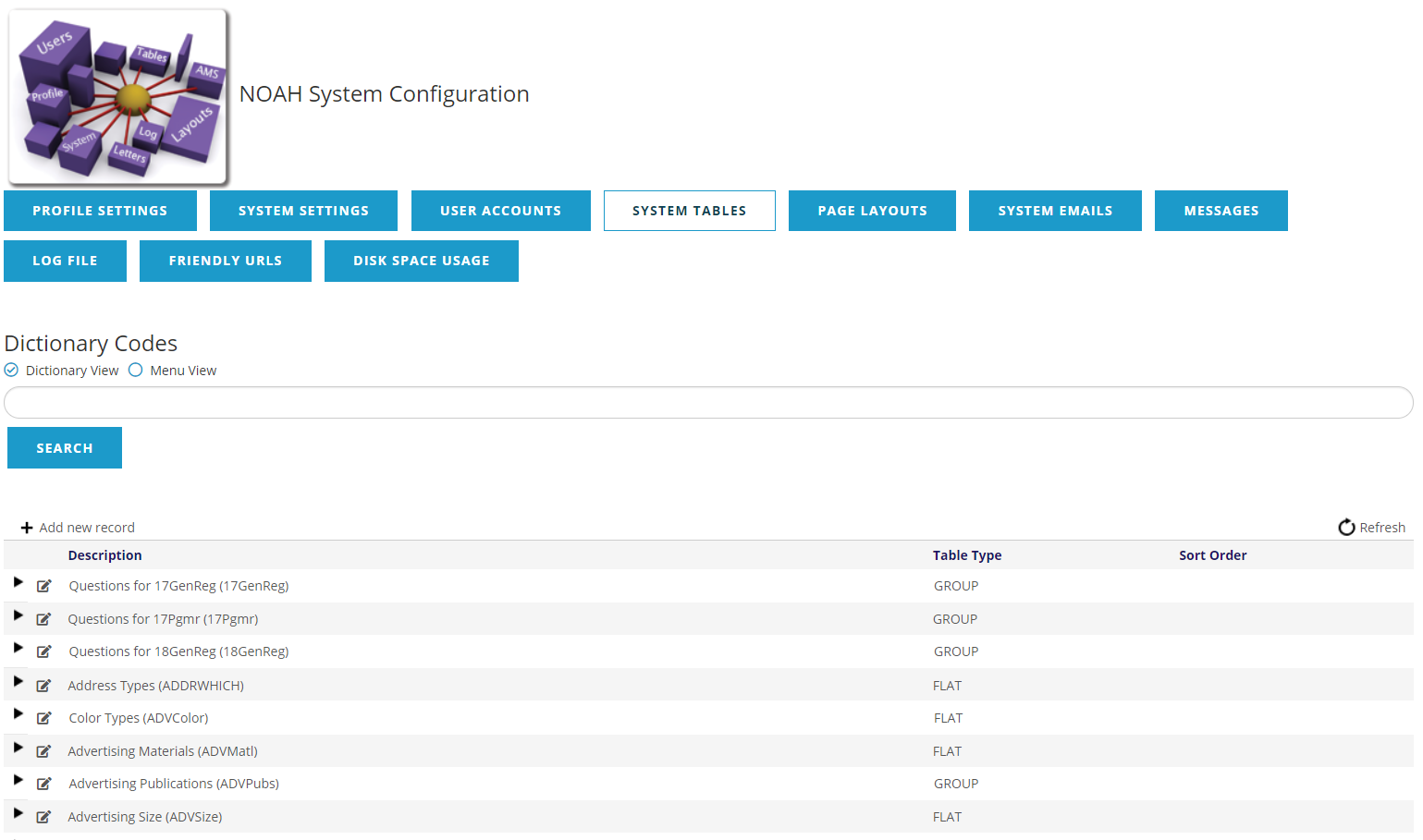
This shows all the available Dictionary Codes in alphabetical order, and includes a search box to filter down the options. The other option is the Menu View, which groups the codes under their related menu option.
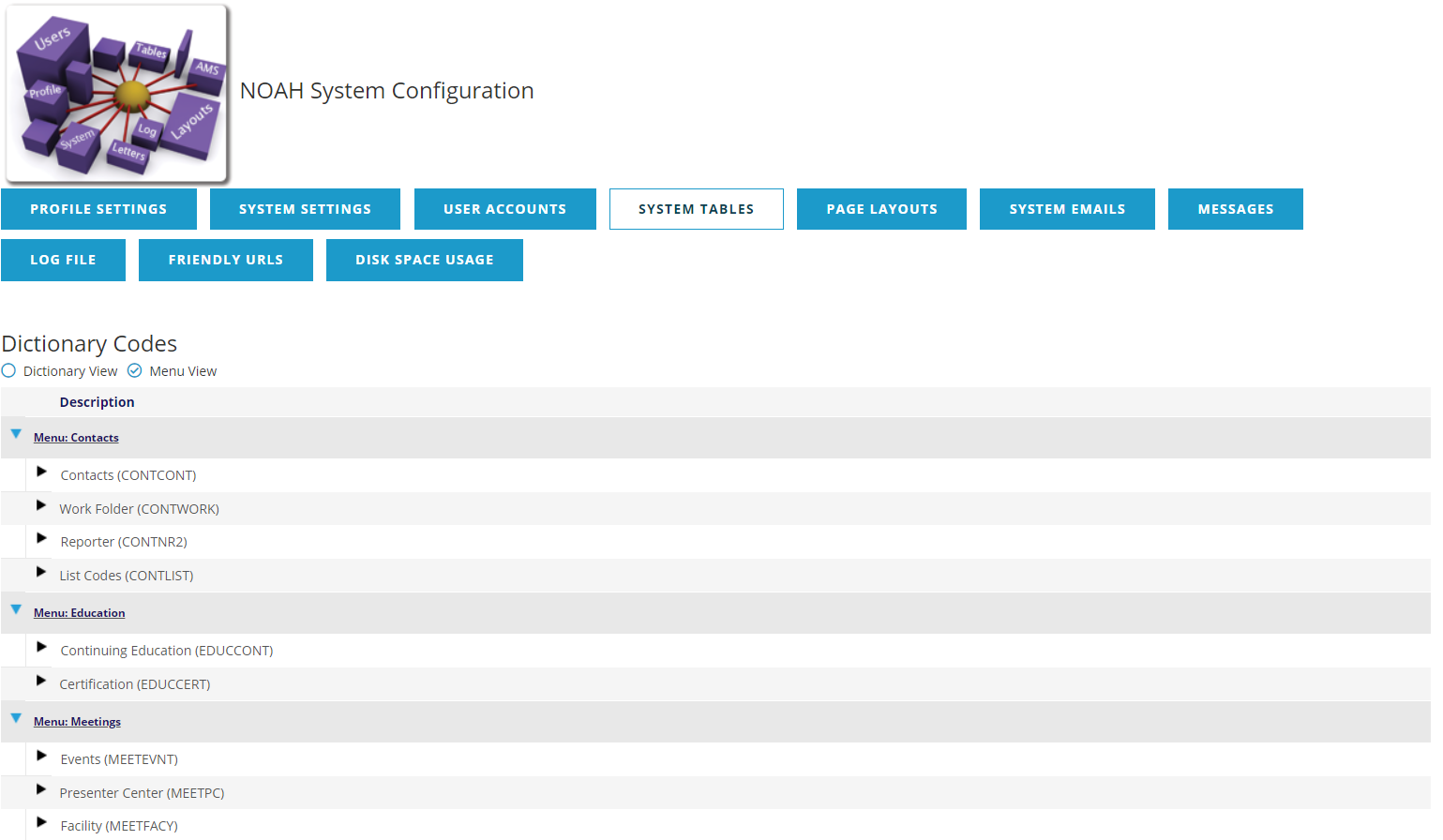
In either view of the codes, you can look at the codes in a group using the  right arrow to open, or the
 down arrow to close the codes in a group. Once you have found the code you are interested in, you can use the +Add new record,
 , or
 , to add, edit or delete codes.
These codes are used in various ways in the system and more information on specific entries can be found in the related Dictionary sections of this knowledge base.