
The Education Credits tab is where your association can inform members how many education credits are available for attending a particular event like a session, workshop or a seminar.
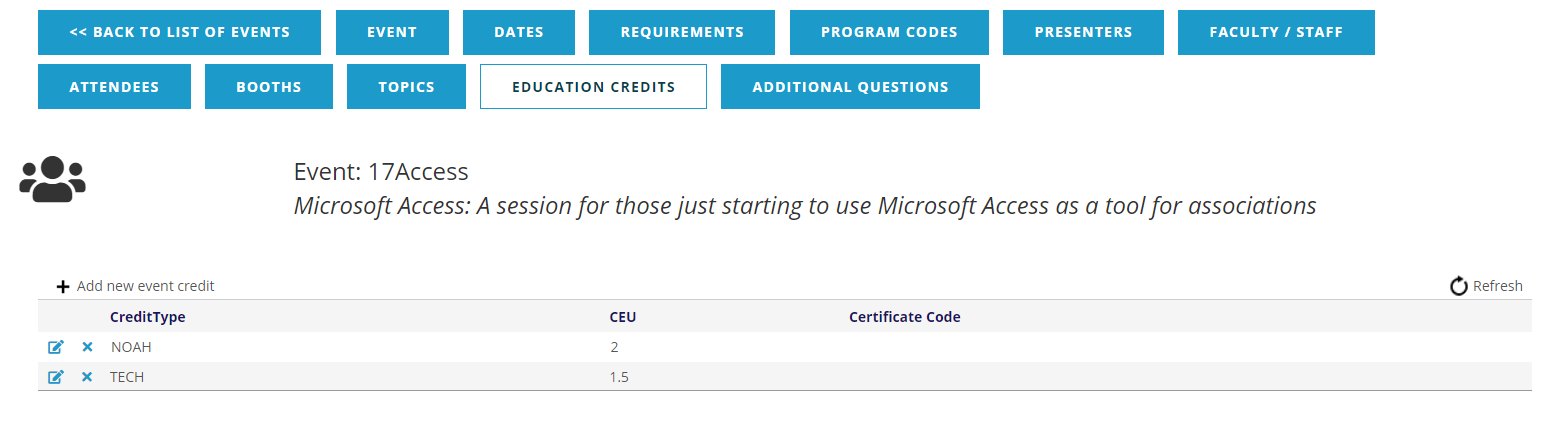
Whether your association trusts that all registrants attend such an event and awards credit without further verification, or instead confirms participation by scanning attendees’ badges, or requires submission of forms or other paperwork, the application of credits can be manually managed by your staff.
Every attendee registered at some point will be awarded those credits whether they are to be applied towards a transcript, certificate of completion, maintaining certification or other qualifications.
The Education Credits fields appear in the same manner whether you click on the gray text to + Add new event credit or click the  edit icon at the far left of an existing credit’s row to make changes, as seen in the next screen shot for adding a credit.
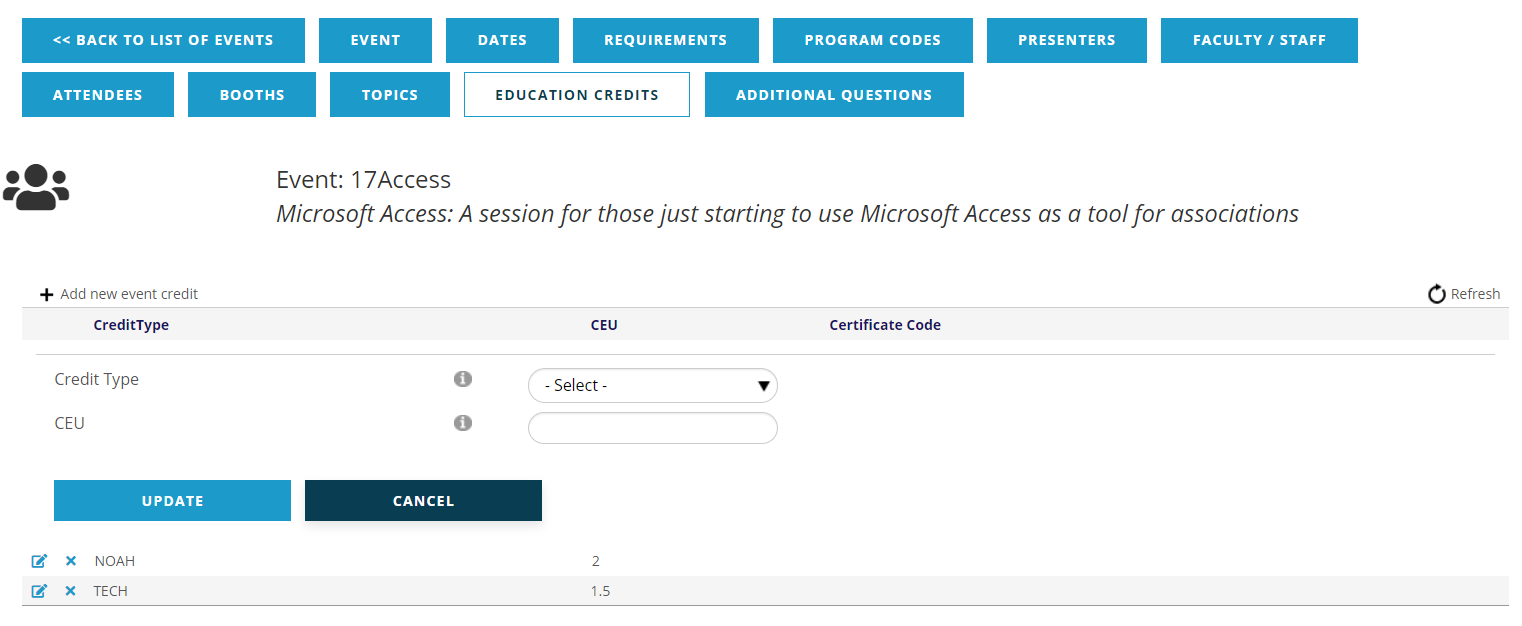
Credit Type is a drop down menu of selections from the Education Dictionary, under Continuing Education, Education Credit Types (EVCREDIT).
CEU is a fillable field where you enter the number of continuing education units to be awarded for the Credit Type entered above. The AMS allows up to two decimal places for units of credit.
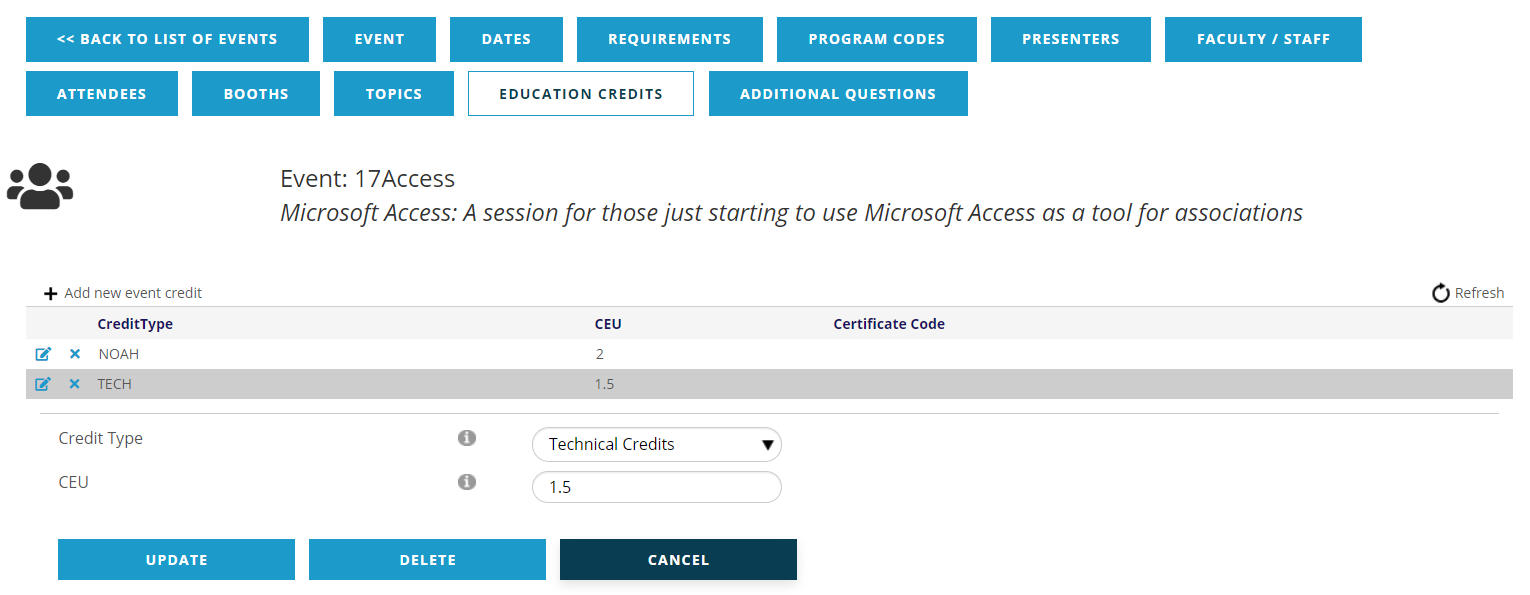
The Update button saves changes and the Cancel button discards changes and leaves the credit in place as it was prior to editing. The additional button allows you to Delete the credit entirely from the event. The credit can also be deleted from the initial grid display by clicking on the  delete icon in the row for the credit.