
The Floor Layout page shows the current status of the booths that have been created. At first the page will be blank with the exception of the Status legend. The legend is defined in the Status Setup section below.
Once you have built your expo floor (more detail in the following sections) you can use this button to see your floor.
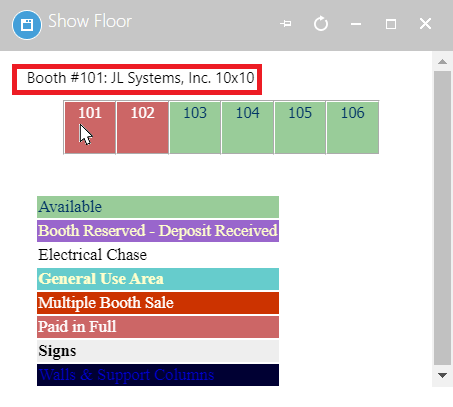
This will show the floor you have built, with the legend defined using Booth Status, and the assigned booths in the associated status color. Mousing over a booth will give you more information about that booth and the exhibitor.