
The user must save each section (or tab) of the document in order to submit the answers. The user must also click on the Save button after uploading any file(s) in order to complete the submission.
There is an optional Show Submit Button check box in the Repository module settings that, when activated, includes a submit button in the repository grid. When activated, the user must complete one more step to make sure that their submission document is actually submitted and updated to that status. 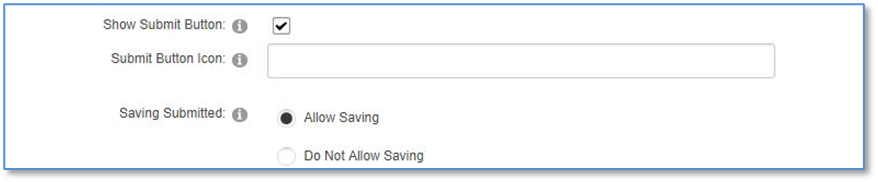
With this activation, the user sees a checkmark icon in the grid that indicates the submission document can now be formally submitted.

When the user clicks on the button to submit the data, the blue icon will be replaced with a green checkmark. There are additional module settings you can configure if you wish to allow the submitter to un-submit their document or to make changes to it while it is in Submitted status.
