
Inventory Item Web Store Images is where you can add images to show with this item in the Store.
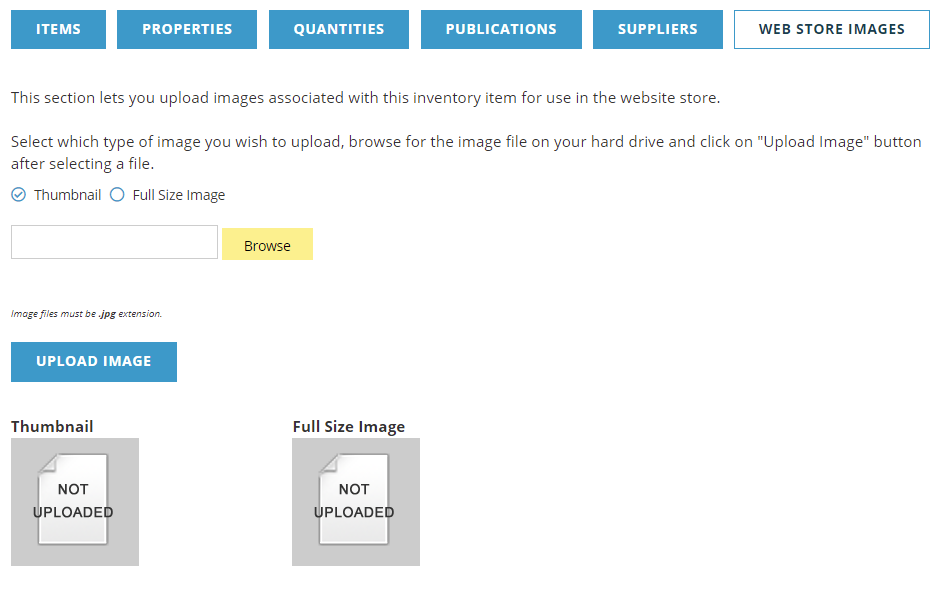
There are two images used with your item in the store, a small Thumbnail and a Full Size Image. The sizing of each will depend upon the layout of your store and the size of image it is designed to accept, the AMS does not resize it. The image must be a .jpg file.
To upload images, choose the radio button next to the type of image you want to upload Thumbnail or Full Size Image, then browse for the image to upload. When you are ready, click the Upload Image button. Once uploaded, you will see the image on the screen.
There is no Save or Cancel on this page. Once the image is uploaded, it is saved.