
The Log File area of the NOAH System Configuration allows you to access logs of performed actions done in the system.
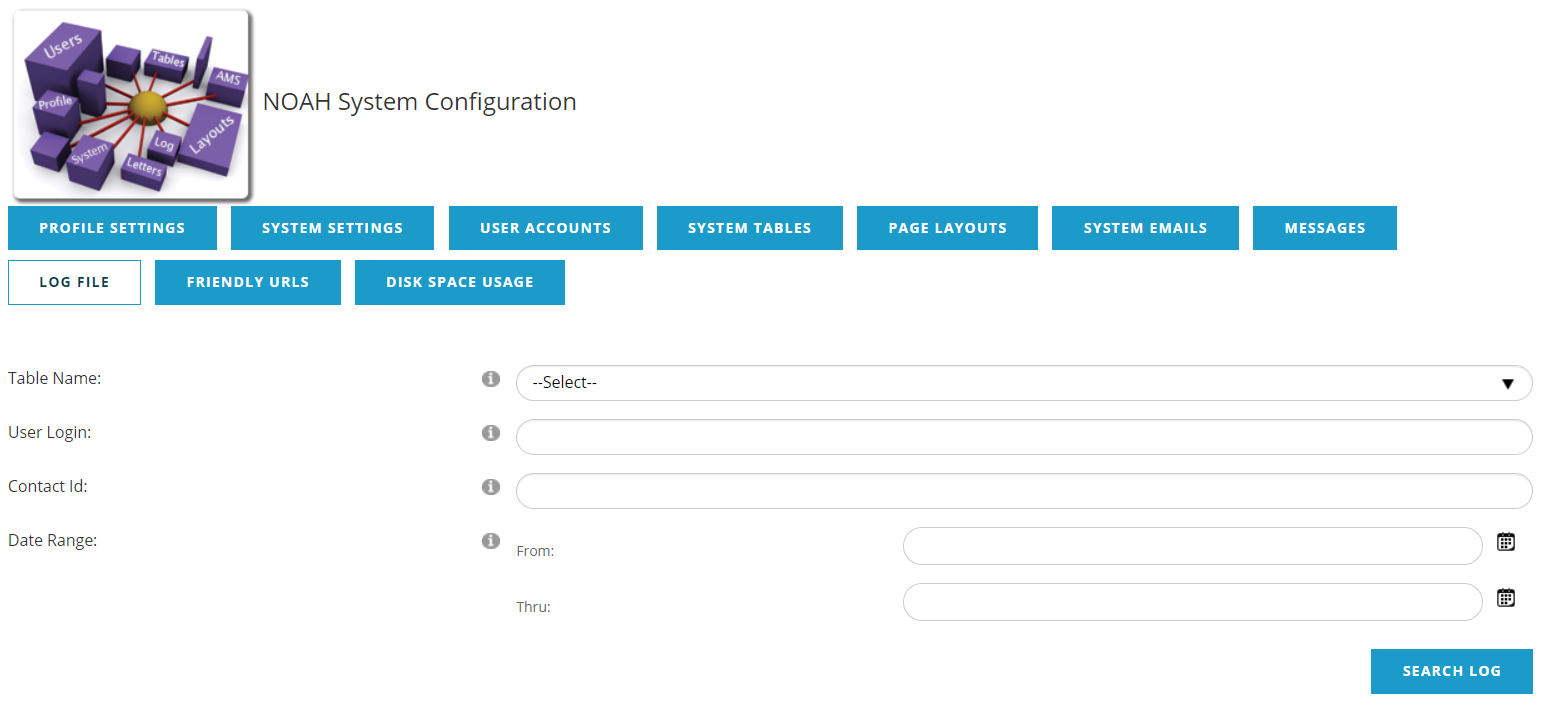
The system logs changes in the database in a searchable log. This interface allows you to search that log on a specific table, user, contact and over a date range. The amount of logged changes is extensive, so be as specific as you can when trying to find details on a specific change. It's always good to use a narrow date range and a specific user or contact and table when searching.
The results will include the
- Date and time when the change happened
- Table Name where the data change happened
- UserLogin of the person who made the change, either the staff person's login, or the Contact ID if the user made the change themselves on the website.
- Contact ID of the affected contact. If there was not a related contact, for example a MasterCode was added to the AMS, this will be -1.
- Message describing what the change was.
The results can be exported to Excel by clicking on the Excel button below the Search Log button.