
The dictionaries in the Members menu in the AMS pertain to the members and prospective members in your database, special interest groups, governance, and any other organizational groupings you use such as divisions, chapters or networks. The GroupTypes and their children in this dictionary define choices available for specific folders in the AMS. To access the Members Dictionary, select Dictionary from the Members drop down menu in the main menu header in the AMS. Clicking on Dictionary will bring up a view of the Members Dictionary Codes grid.
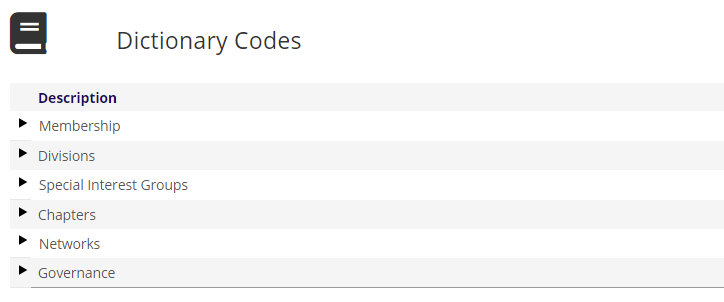
Memberships, Divisions, Special Interest Groups, Chapters, Networks and Governance are headings for GroupTypes, and they are not codes themselves in this grid. This allows cataloguing of headers. Your grid will only have the headers for the dictionaries set up for use by your association.