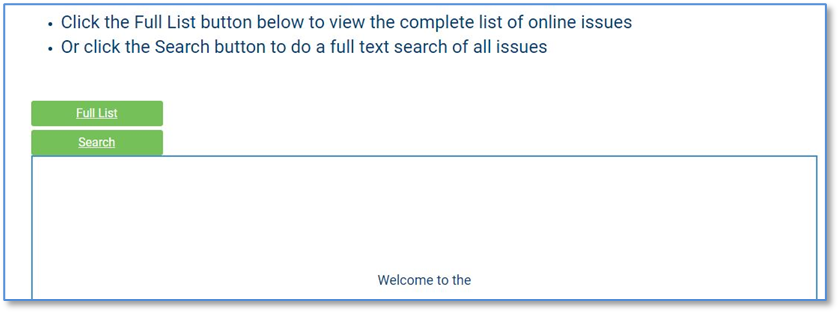
Welcome Message for Website Control
It is possible to add special text to the user experience with the website form submission by adding text to the module settings, seen in the next screen shot.
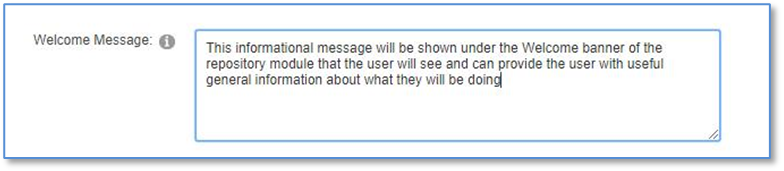
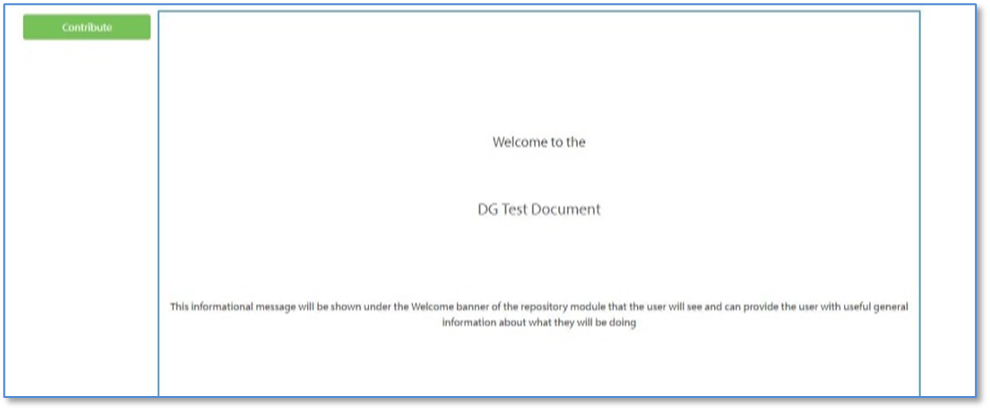
This will add text to the front screen of the user display for general information about the user experience, as seen in the next screen shot.
Send Notification Email
You can add a staff email address to the document controls so that every time a submission is made, an email will be sent to that email address, allowing your staff to more closely track submission progress.

Automatically move from one tab to the next tab (On Save Command)
Click the “Next Section on Save” check box to activate automatic stepping from one tab to the next to make the submission experience more user-friendly.

Search Function
You can include a “Search” function, by entering a simple or advanced text string, to let the user find documents with common text across all documents.