
Opt In/Out is the place to control which email communication categories and other settings you choose to track for each contact, such as whether or not the contact wishes to be included in online directories. Another commonly used option allows a contact to opt out of receiving the print version of a journal.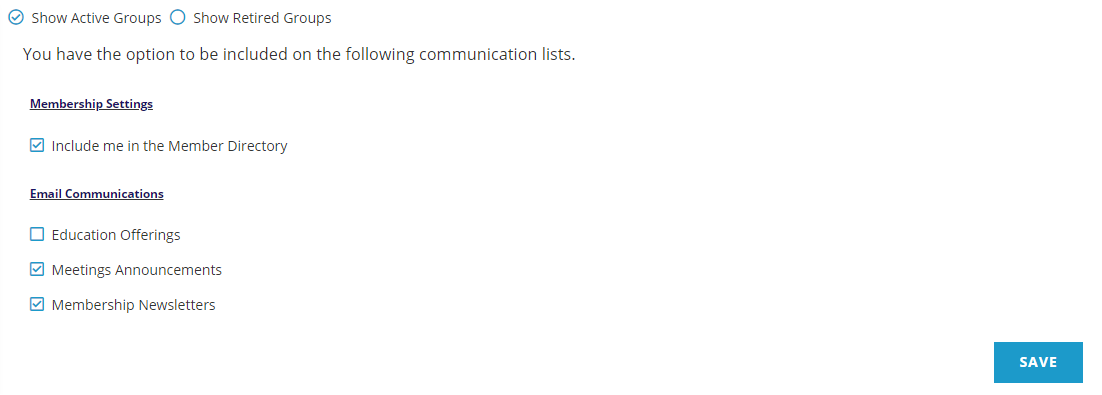
To make any changes to the contact’s options, click the check box for the desired option to activate the setting, or unclick to deactivate the setting. Then click on the Save button to update the contact record.
The Opt In/Out controls allows for grouping with a header, seen in the screen shot above for Email Communications and Membership Settings.
Each specific question can be set to a default whereby the contact is opted out and must actively choose to opt in, or the reverse, whereby the contact is opted in and must choose to opt out.
Creation of groups, individual questions, responses and default values are all managed within the Opt In/Out dictionary, available to a Client Admin. More information on that dictionary can be found in the Contacts Dictionary section of this knowledge base.
These Opt In/Out selections are also visible under Lists, and can be viewed, updated, and deleted there if needed.