 You can setup Google's reCAPTCHA v3 on your website's activation form to help prevent bots from creating bogus accounts in your system. reCAPTCHA v3 returns a score for each request without user friction (i.e. without looking at a picture or typing in a code). A score of 1.0 is very likely a good interaction, and 0.0 is very likely a bot. Google hasn’t disclosed how they determine the score (so those with ill intent can't subvert it), but it’s based on several factors, including the user’s IP address and the user’s previous interactions with reCAPTCHA.
We have found that a score of 0.8 or higher is an appropriate threshold to make sure new accounts are legitimate. Those whose score does not meet the threshold see a message to contact your organization directly:

You will need to register with Google to setup this feature for your website at
https://www.google.com/recaptcha/admin/create
Please set it up to use reCAPTCHA v3 and your domain(s) that includes your page(s) where accounts are created for the AMS.
When you complete your site's registration, you will need both the Site Key and the Secret Key so it can be setup on your website.
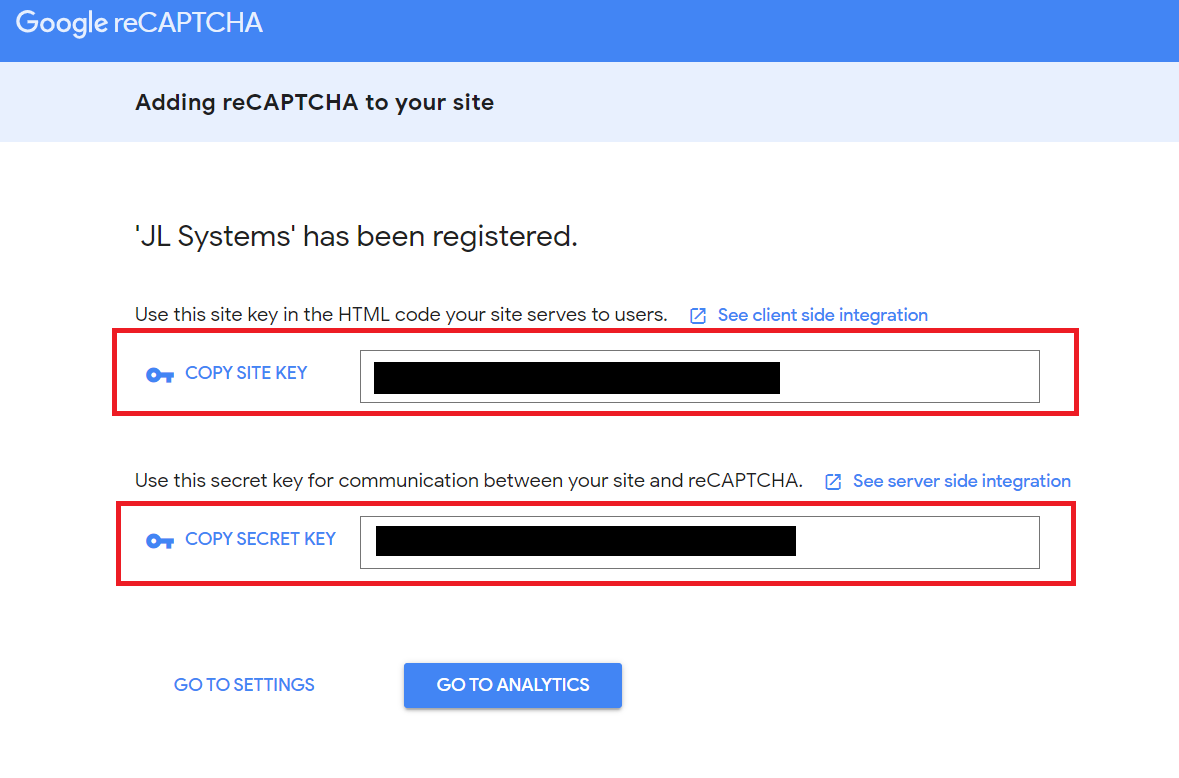
Once you have your keys, a Client Admin can add them under System, NOAH System Configuration, System Settings, where there is a Google reCaptcha section to enter the Site Key & Secret Key.
After these have been added, you will see the reCAPTCHA logo on the page. That is the only change anyone will see, but those entering fake accounts will get the message (above) about contacting the association.
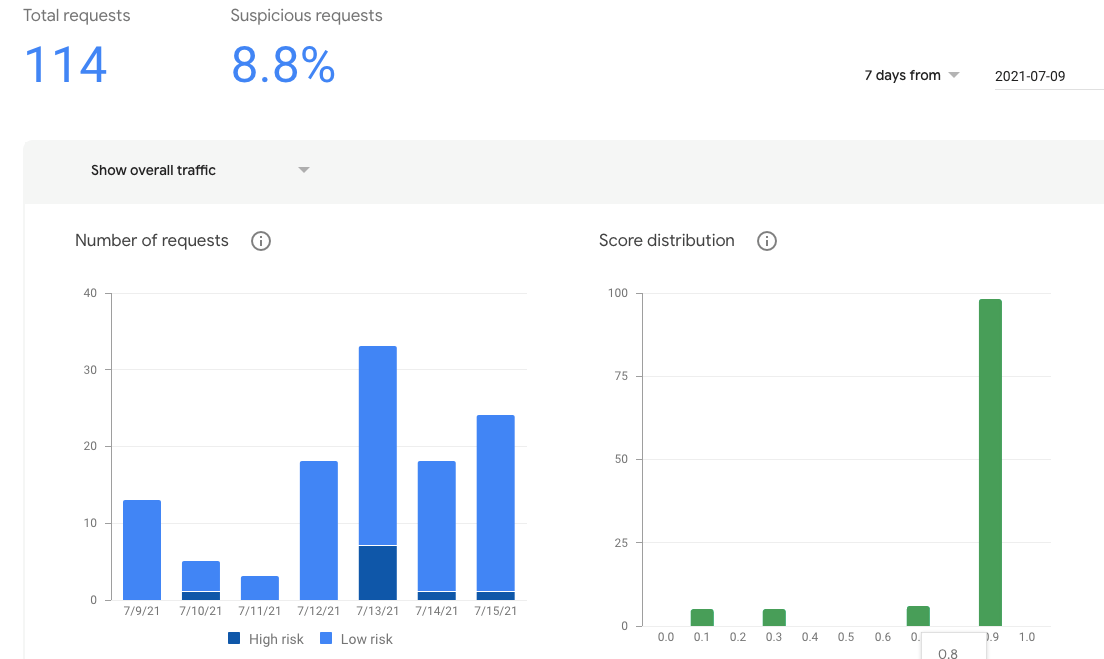
After a few days, you can look at the Analytics in Google to see the number of request and their scores.