
The Show Dictionary is where you can setup codes related to your exhibition. It can be found under the main AMS Menu, Shows, Dictionary.
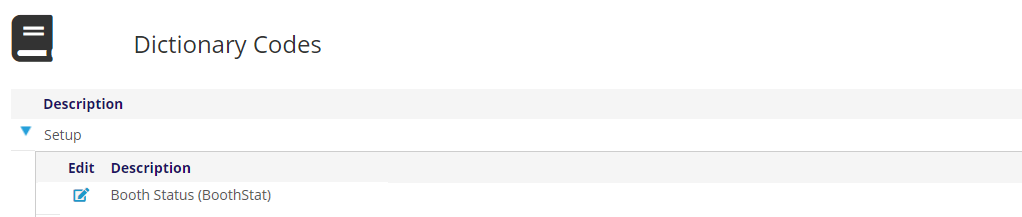
The Booth Status (BoothStat) is used to define the various statuses and related colors a booth can have. Clicking the edit icon opens a new page.
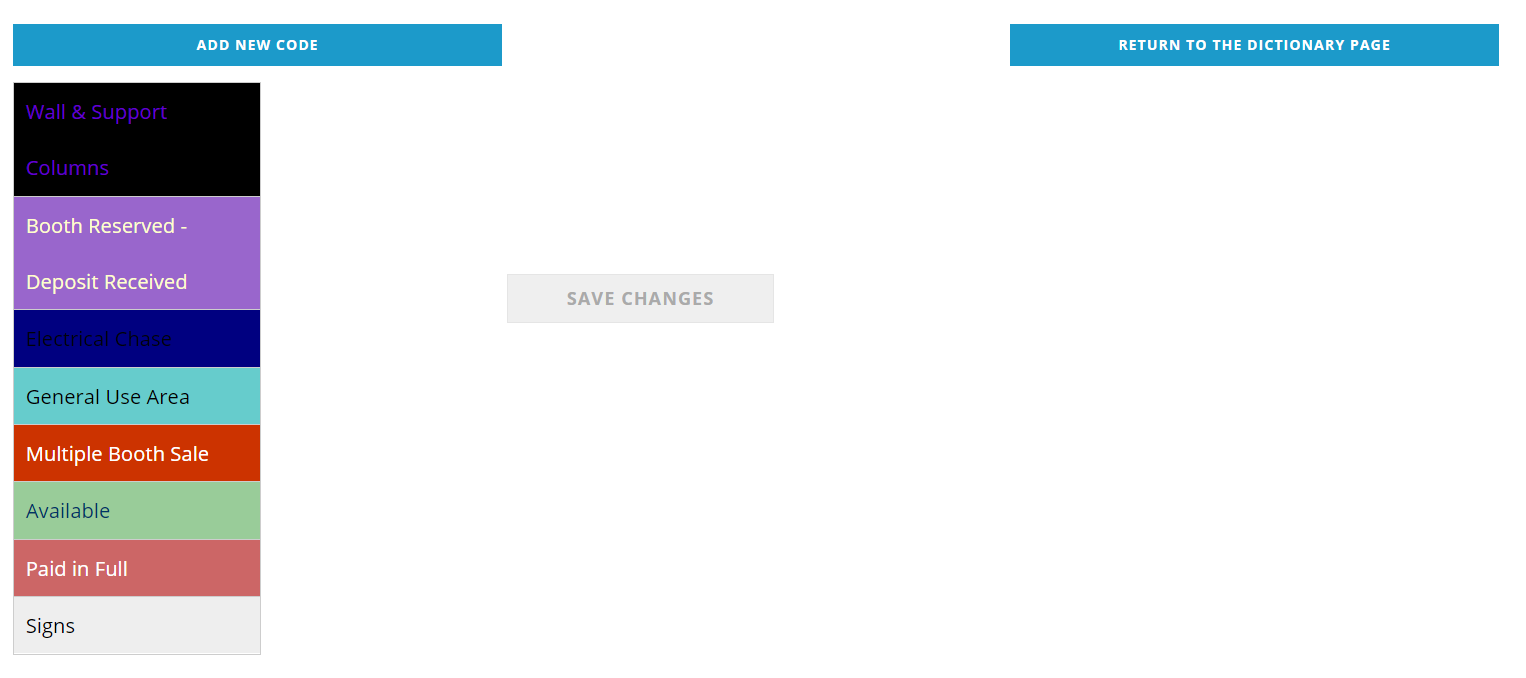
On the left you will see the existing booth statuses with their corresponding colors. Click on the status you want to edit, or click the Add New Code button at the top to add a new status. Both options open an area below the current statuses to add or edit. This is the same functionality found under the Status Setup button when editing a show.
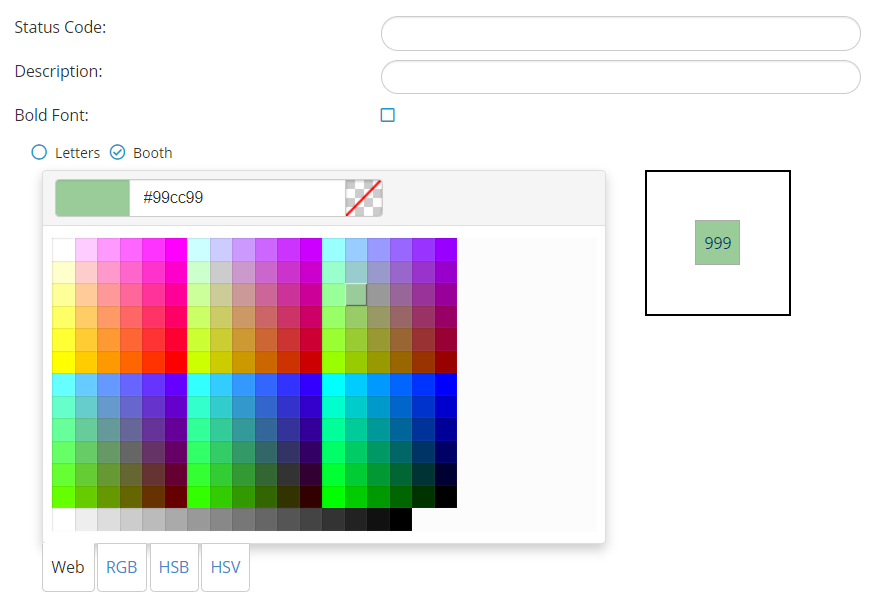
The Status Code is limited to 8 characters and will appear in the Booth editor next to assigned booth numbers. The Description should clearly identify the purpose of the area and will appear in the legend.
Check the Bold Font check box if the booth number should be bold for this status.
Using the color picker, identify the “Booth” color, then click on the “Letters” radio button and select the color for the text. The sample floor box to the right will display the results of your selections against the currently selected background color.