
The Topics tab contains event topics which can be selected as needed for individual events that are categorized by attendees’ topics of interest in custom printed program guides. This data does not flow through to any other event tabs, or to the CMS that generates content on your website. It is only exported to printed program guides.
If you do need to take advantage of this feature, select the event in question from the Meeting grid, then click on the Topics tab. 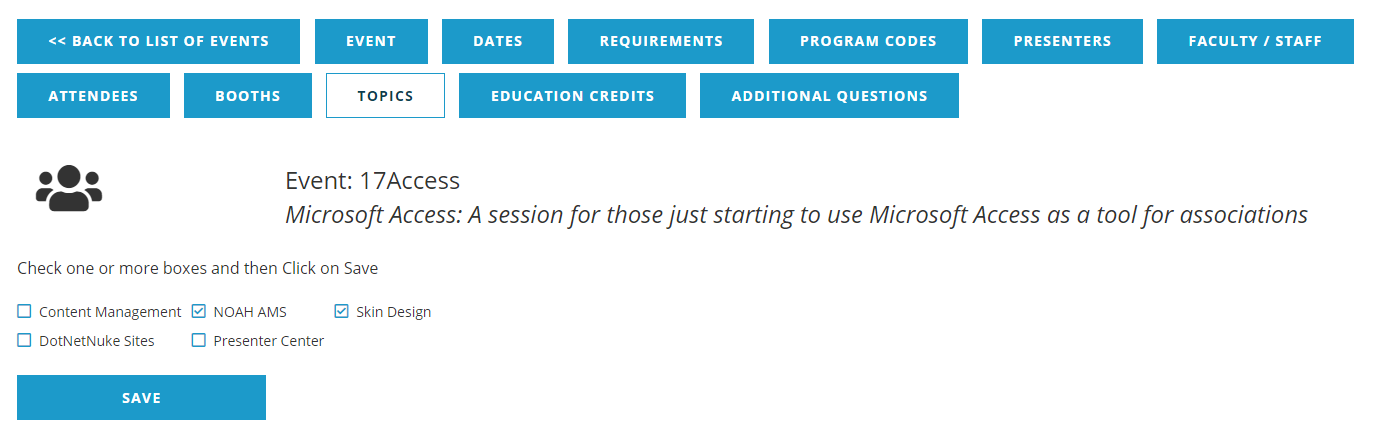
Click the check box next to any and all topics that apply to the subject matter of the selected event. If a box has been checked in error, simply click on the checkmark to the left of the topic to be deselected. Click the Save button to save any changes.
Creating and maintaining Event Topics is covered in the Meetings Dictionary, section of this knowledge base.