
The Library Card in Add or Edit mode contains three fields, as seen in the next screen shot. All other Library Card fields, described above, are automatically.
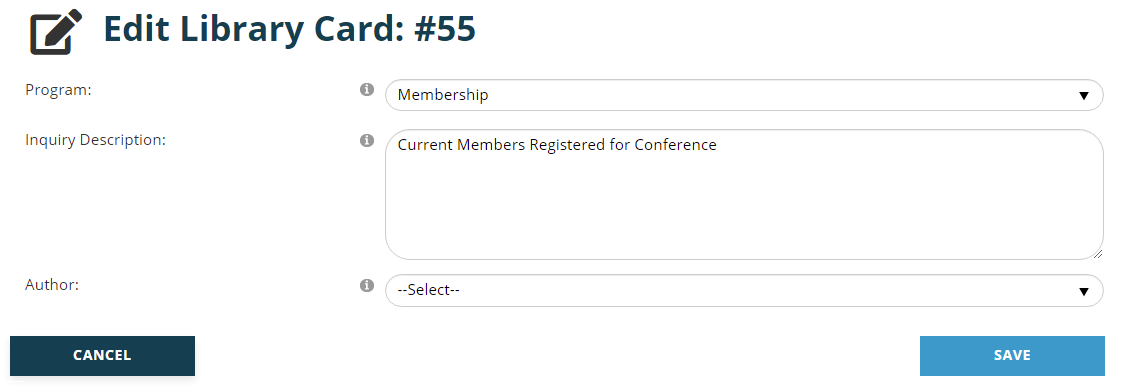
The Program field is a drop down menu for categories of data collected by your association. Additional categories can be added as needed in the Reporter section of the Contacts Dictionary. They are MasterCodes of the “TYPE” GroupCode, under the “NR2” GroupType.
Inquiry Description is a text field that should be a more specific description of the Library Card that will appear in the grid on the Library of Saved Inquiries page. This description should make it clear what the card is used to achieve.
Author is a drop down field to assign the staff member who owns the Library Card. NOTE: if your name does not appear in the drop down, this is because your User Account is not tied to a Contact (with a valid email address), and the names shown are from the Contact record.
Click on the Save button to save any changes made. Click on the Cancel button to exit edit mode and discard any changes made. In both cases, the Library of Saved Inquiries page will reappear.