
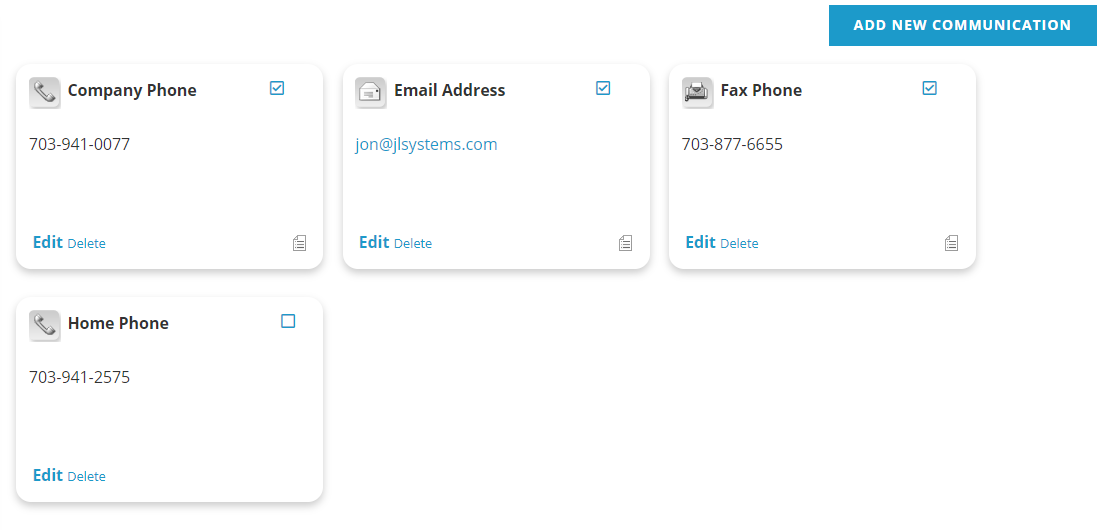
Communications Types are assigned to every phone number, email address social media account and website that are created for a contact record in the AMS under the Phones/Emails tab. Communication Types can also be viewed and edited in the Communications section of a contact record’s Profile tab in the AMS.
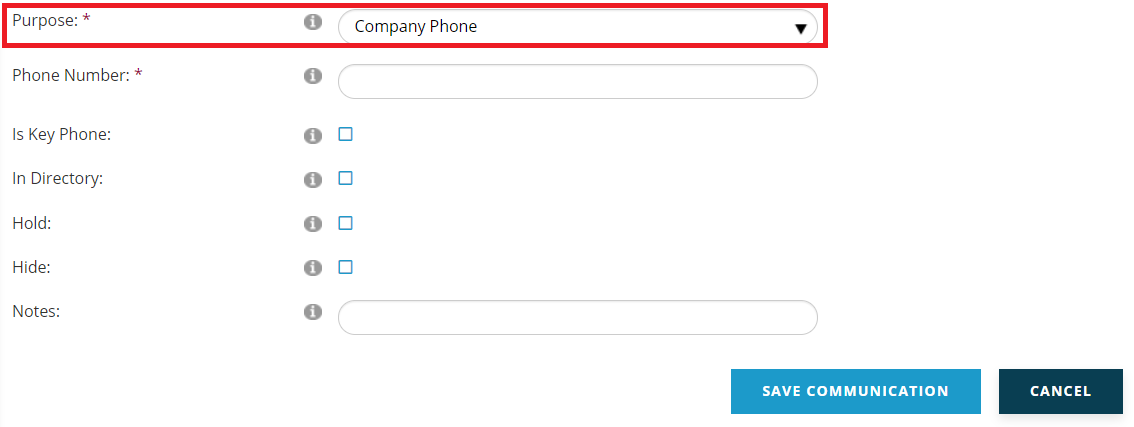
The first step when adding or editing a communication entry in the AMS is the selection of a Communication Type from the drop down menu for the mandatory Purpose field, seen in the next screen shot for an Individual contact record.
The Communications Types Dictionary is a flat table. You can have as many MasterCodes as you need, and the most common are seen in the next screen shot for the sample GroupType COMPURPOSE.
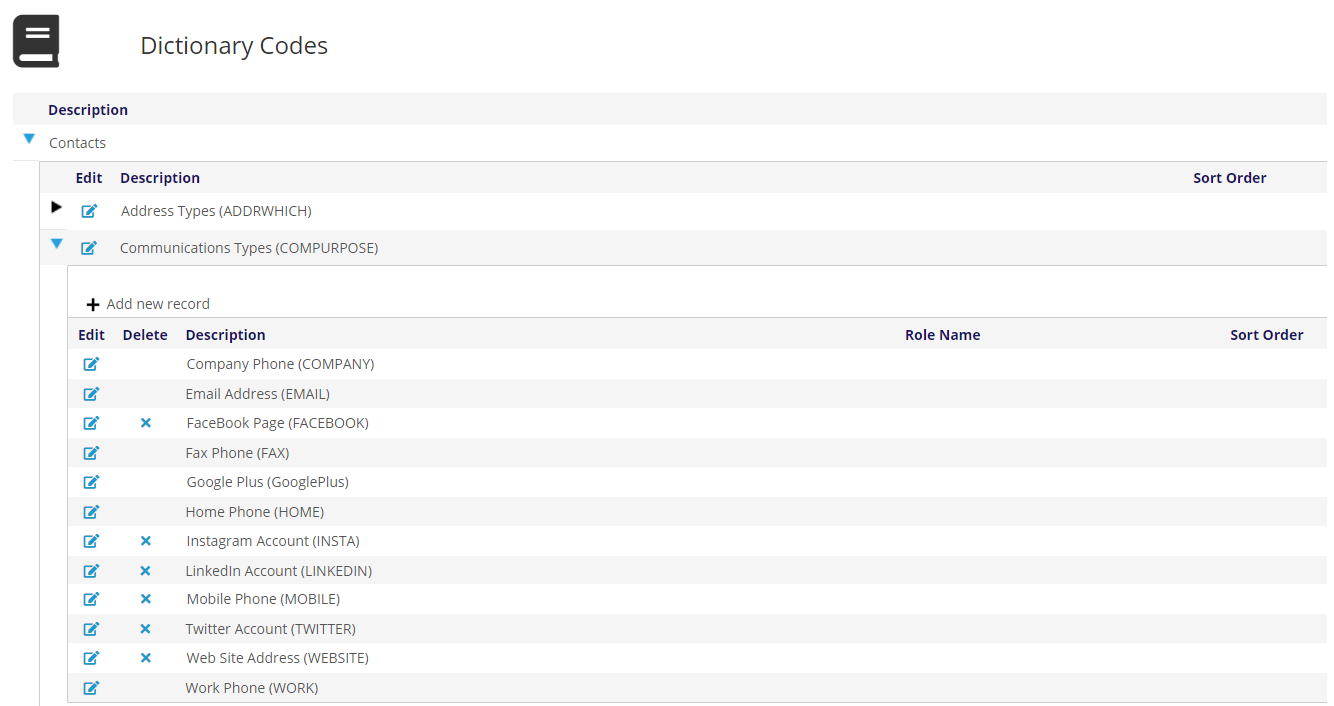
The sample MasterCodes here are straightforward. Phone numbers are coded as COMPANY, FAX, HOME, MOBILE or WORK in our example above. There are options for coding email, web addresses and social media as well. It is easy to add more MasterCodes per the directions in the Introduction, so long as you also include the proper Instructions unique to Communications Types described below.
These particular MasterCodes all have a unique use of Type in the Instructions field, as seen in the next screen shot.
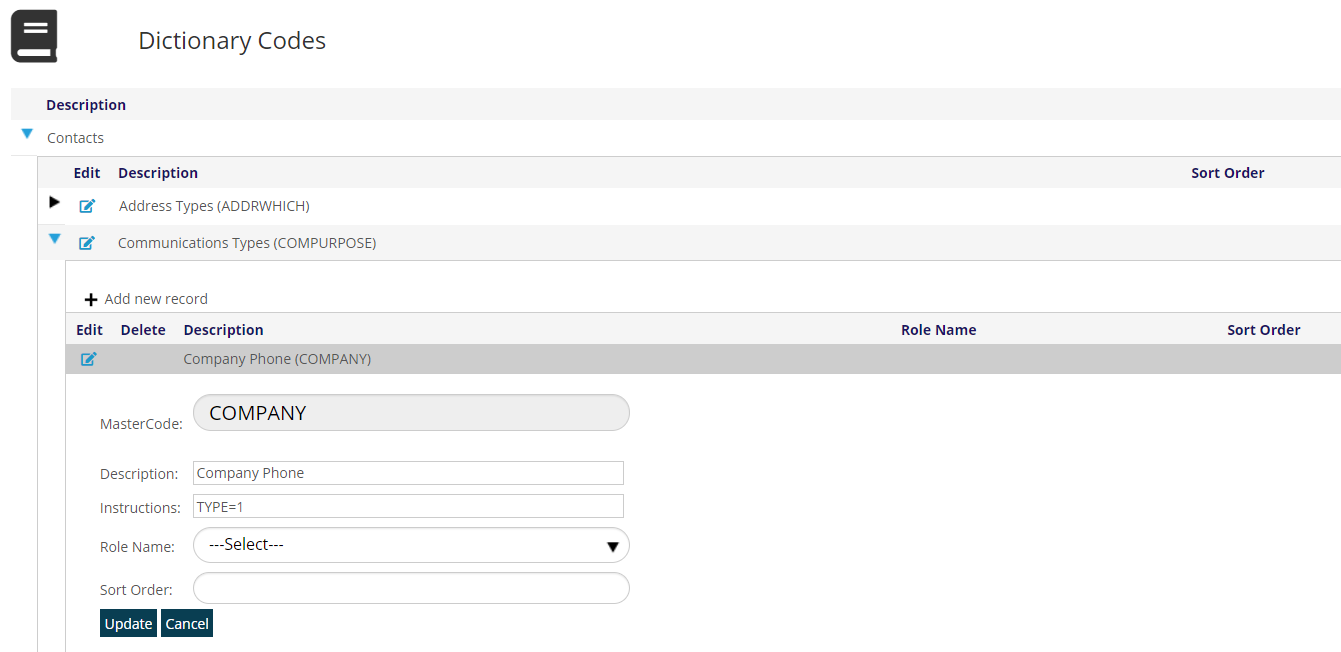
In this example, COMPANY is TYPE=1 and the options are
- TYPE=1 is for phone numbers
- TYPE=2 is for fax numbers
- TYPE=3 is for email addresses
- TYPE=4 is for websites
Every one of these Communications Types must have one of those four types assigned at this MasterCode level so that the AMS can recognize which kind of communications data it is dealing with every time it is called. If creating additional entries in this dictionary be sure to set the Instructions field to the proper Type.
More information on the use of Communication Types in the AMS is in the Profile section of this knowledge base.