
The dictionaries in the Contacts menu in the AMS pertain to the contact records in your database. They are wide ranging and pertain to profile, demographic and affiliation data. To access the Contacts Dictionary, select Dictionary from the Contacts drop down menu at the top left of the main menu header in the AMS, as seen in the next screen shot. 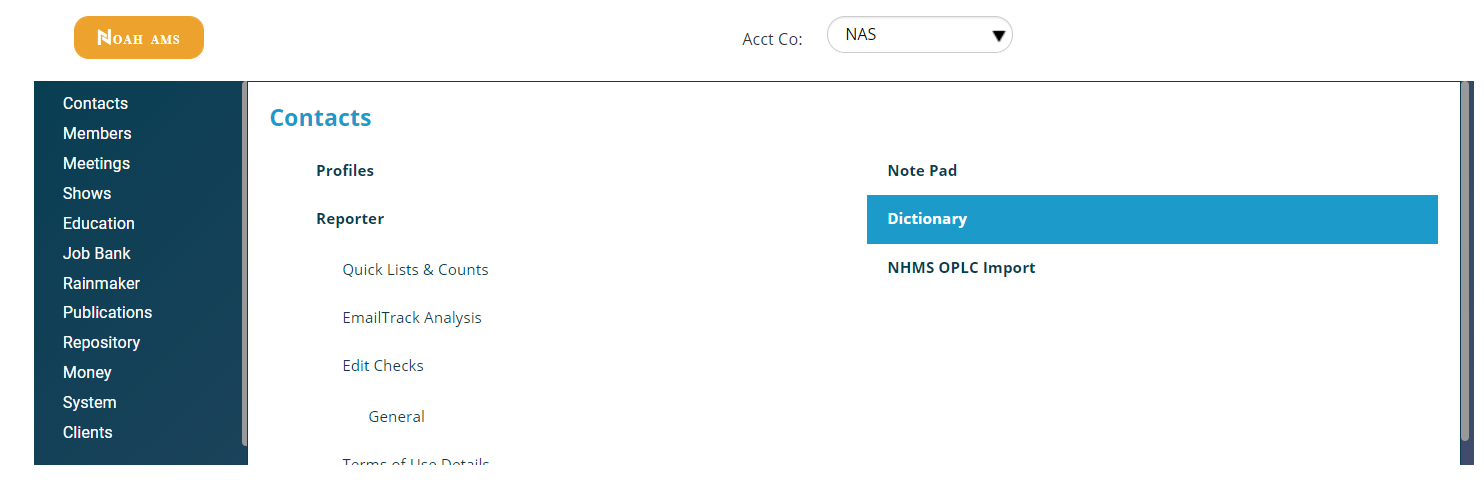
The result of clicking on Dictionary as in the above screen shot will bring up a view of the Contacts Dictionary grid, as seen in the next screen shot.
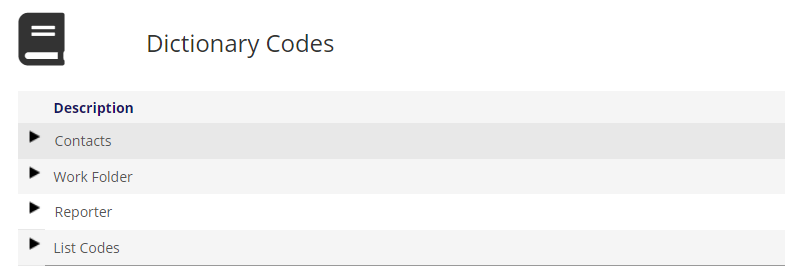
Contacts, Work Folder, Reporter and List Codes are headings for grouping GroupTypes, and they are not codes themselves in this grid.
Starting with Contacts, the view of the GroupTypes under that header is seen in the next screen shot.
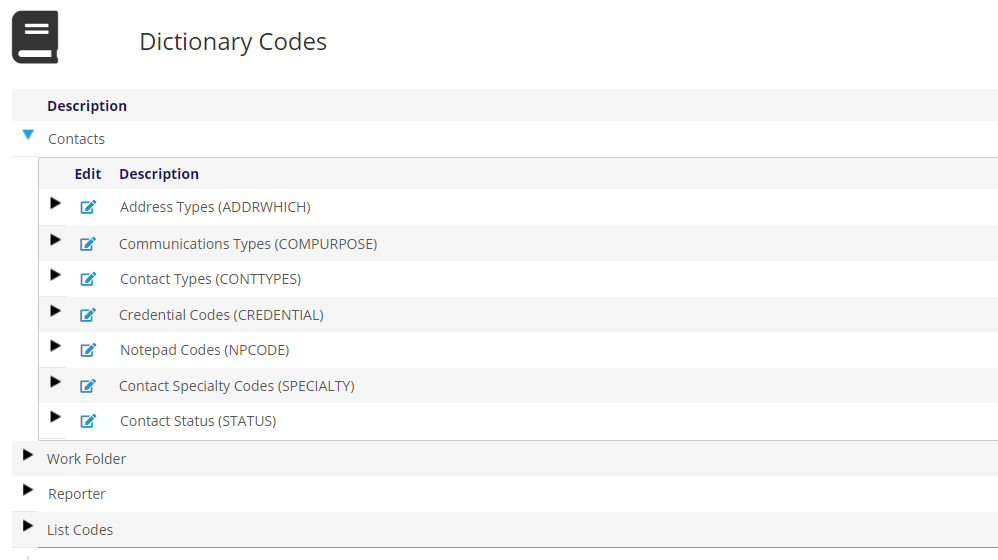
Each GroupType will be described in the following sections, along with any exceptions to the rules defined in the Dictionaries Introduction.