
The Quick Entry control provides a faster way to use the Shopping Cart when you know the HotKey(s) for the item(s) you want to add to the Shopping Cart.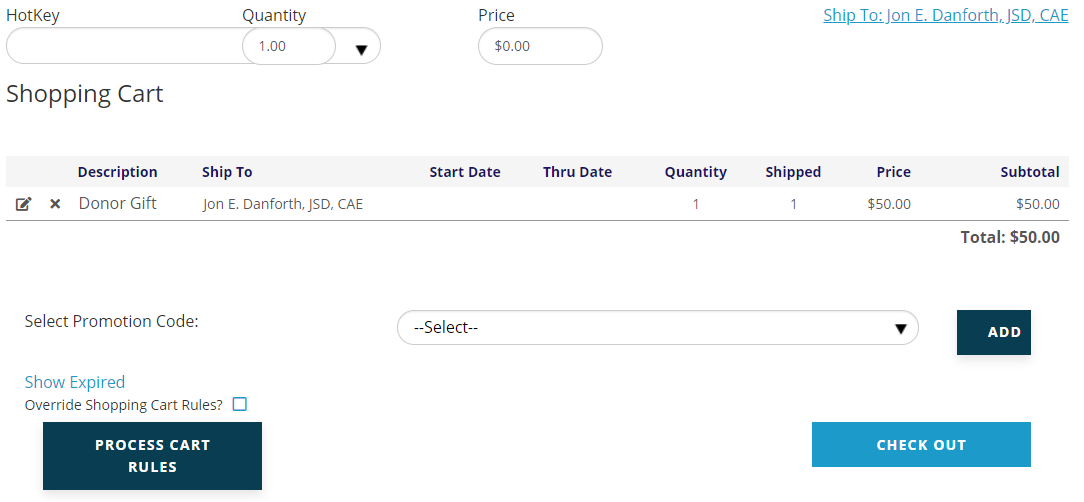
Type the first letters of the desired HotKey to invoke a drop down of any HotKeys that start with those letters, as seen in the next screen shot.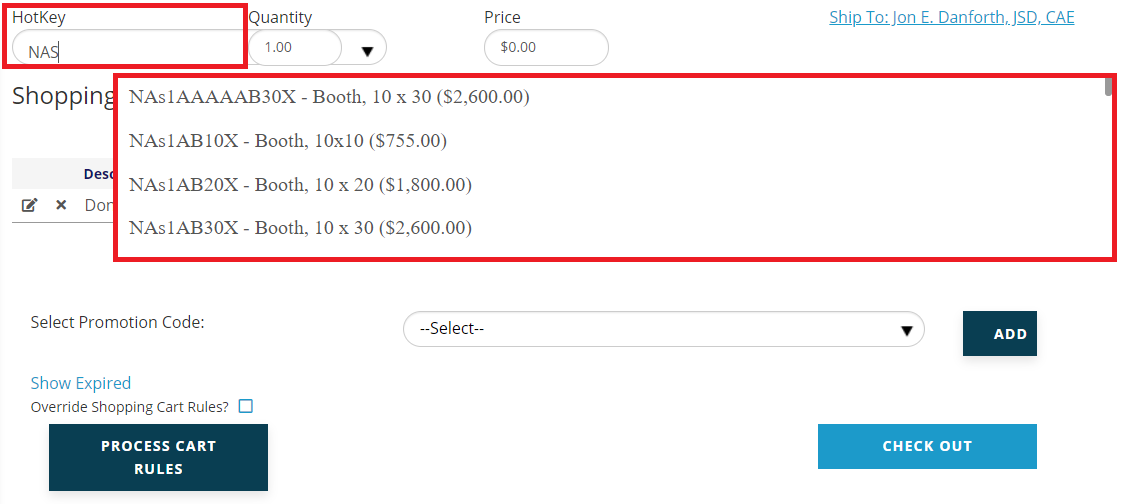
Once you have entered or selected a HotKey, the price will load automatically, and the Quantity box will default to “1.00” but can be changed if multiples of the selected item are being purchased.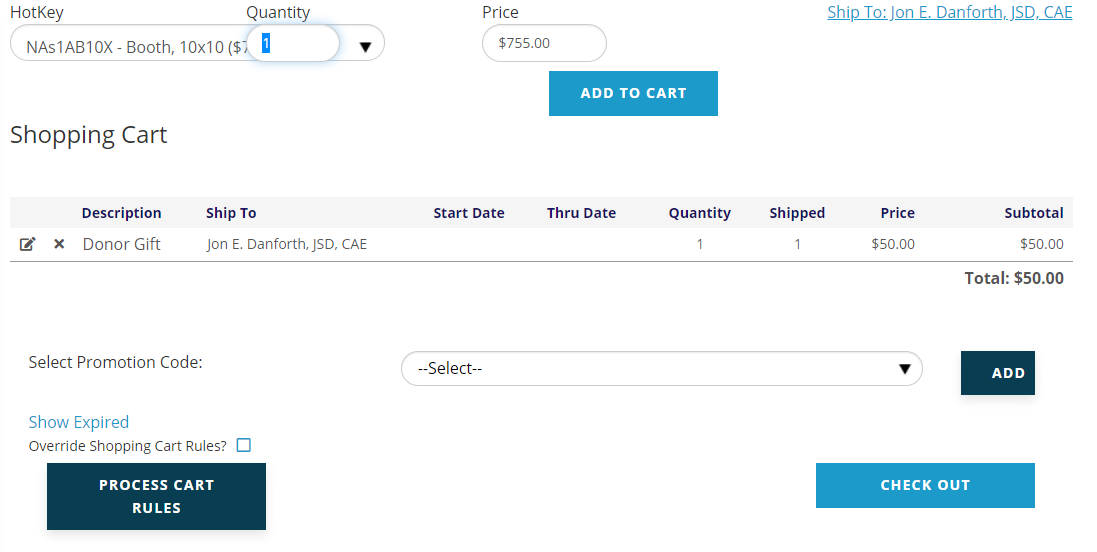
To proceed, click on the Add to Cart button next to the Price field. The control will reload and your HotKey selection should appear in the Shopping Cart.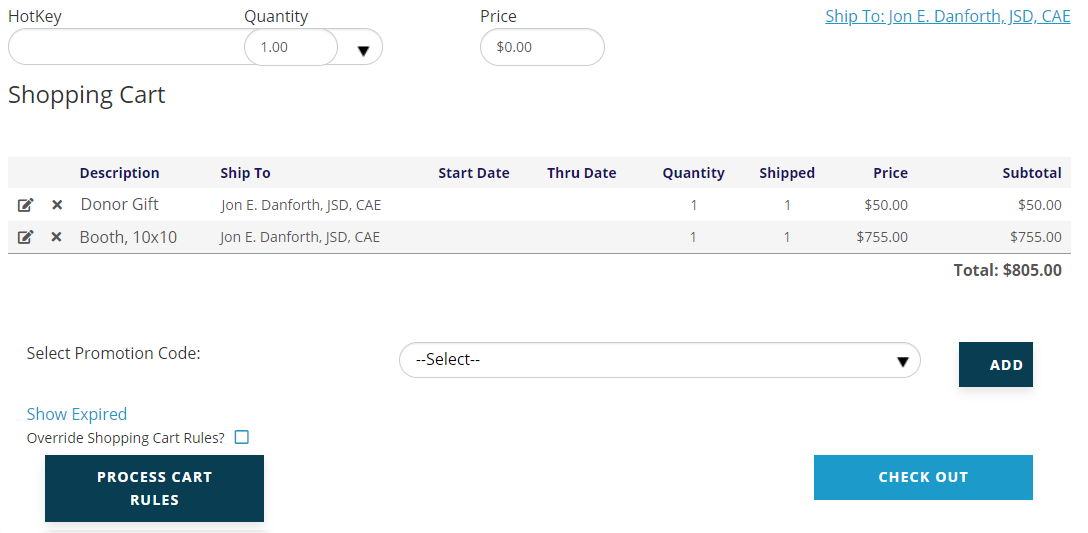
The HotKey field is now clear, so you can add more items via HotKey as needed. Once you have all the items you need in the cart, continue the process as described in the Shopping Cart section of this chapter of this knowledge base.