
Posting a batch means it can no longer be used to enter payment against or adjusted. When this is done in error, we have a utility to un-post a batch. This can be found in the AMS Menu under Money, Business Office, Unpost Batch.
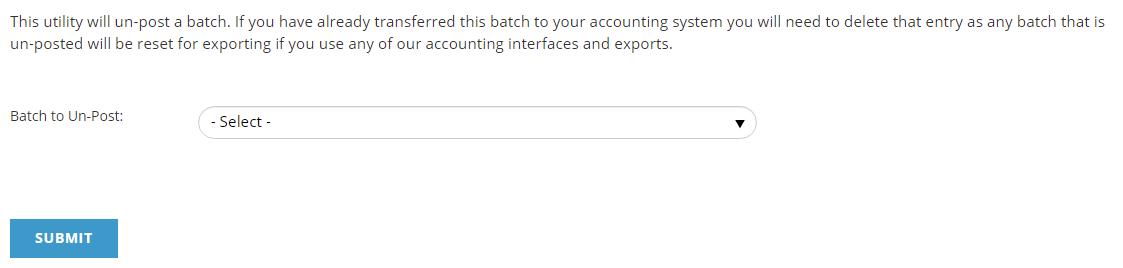
To un-post a batch, select the posted batch from the drop down of the 500 most recent batches posted, then click the Submit button to un-post it. If there is an older batch that doesn't appear in the list that needs to be un-posted, please contact support.
As noted on the screen, if a batch un-posted by this utility has already been transferred to your Accounting System, you will need to delete it from your Accounting System. Once the batch is posted again, it will be available to transfer to your Accounting System again, including changes made after it was un-posted.
Due to its implications for accounting, permissions for this utility have not been added to any User Accounts. A Client Admin can add this Menu item (under Money, Business Office, Unpost Batch) to any User Accounts that require permissions to it.